Release 3.0
I've been using Orali myself to learn French and Japanese. My french is good enough where I can handle all the roleplays. On the other hand, my Japanese is very elementary, and so I've found myself being completely lost sometimes even in Level 2 roleplays.
That difference made me realize there is a gap in how Orali ramps early users into speaking. Speaking Drills were efficient and great for building vocabulary, although they could feel like you're being grilled by a very polite robot. Roleplays felt alive and responsive, but beginners entered them with very little support. Our previous model also could not give granular pronunciation or phrase-by-phrase feedback.
We had built the preparation and the deep end, but I realized that the step between them was missing.
A conversation with handrails
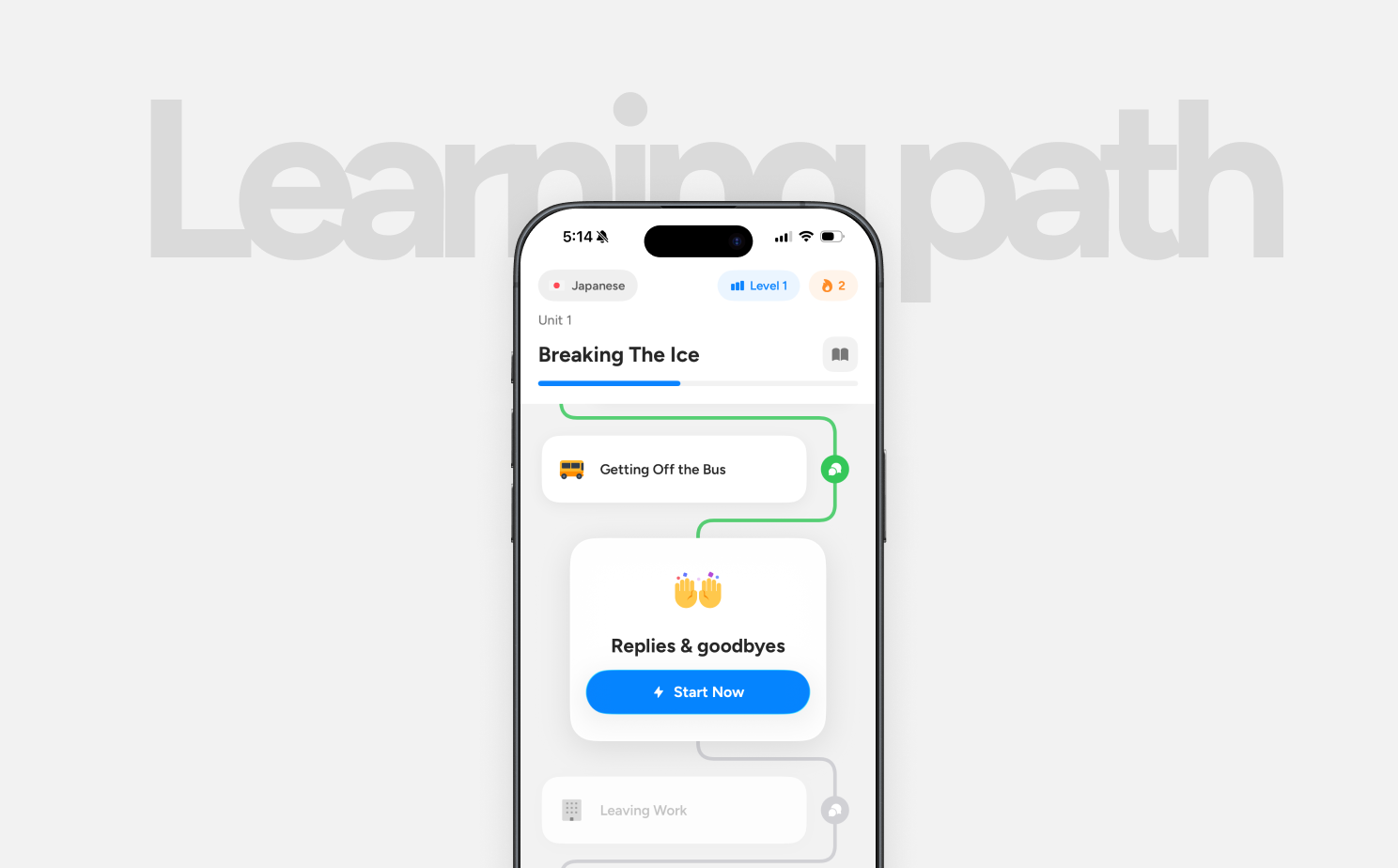
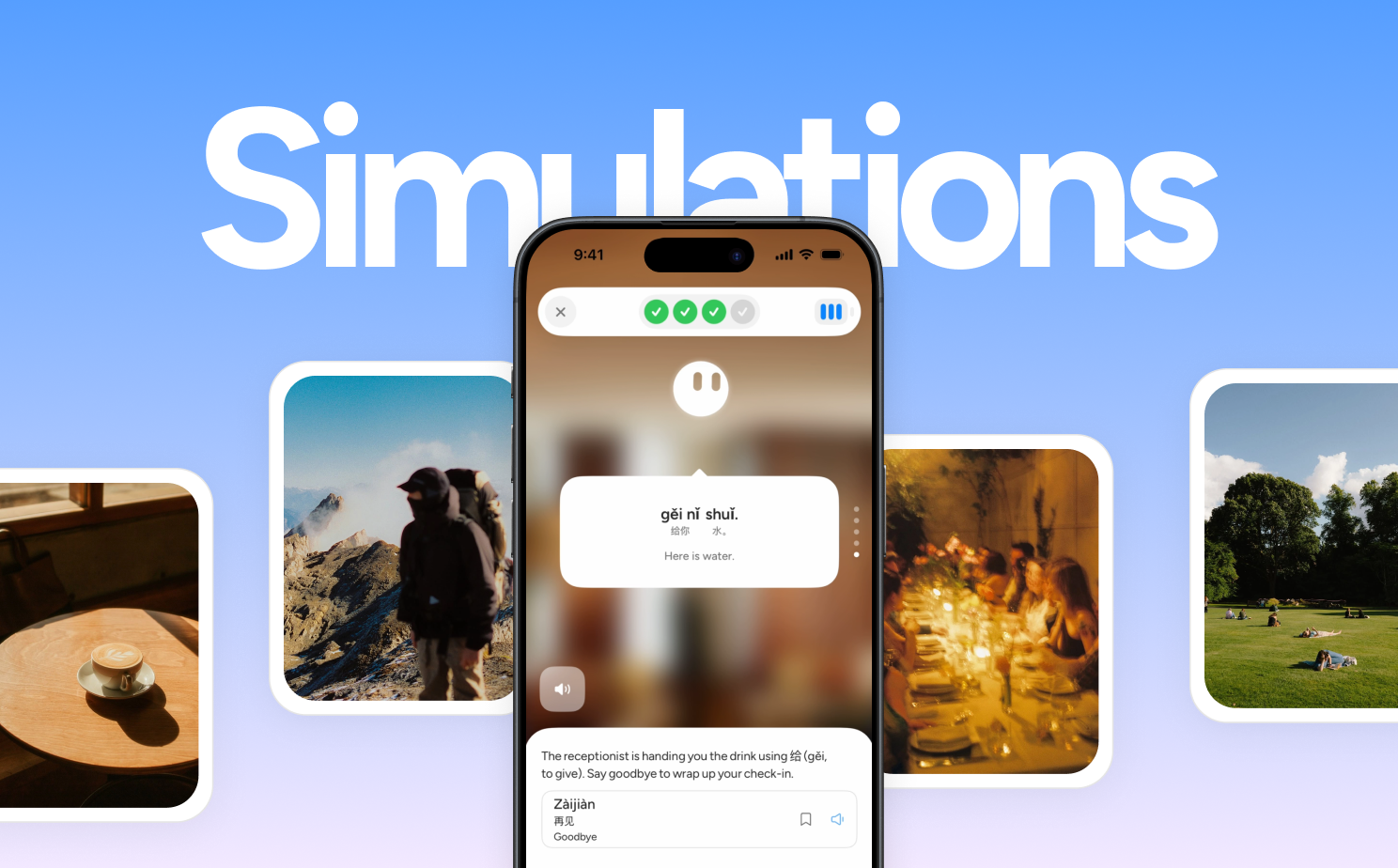
Orali 3.0 introduces Scenario Simulations, a guided conversation built directly into the learning path.
Each scenario has a setting, a conversation partner, and a few objectives. Early lessons keep them simple and sequential: say hello, answer a question, say goodbye. Orali follows the conversation, checks off each objective, and completes the lesson when you have reached them.
English guidance sits at the bottom of the screen when you need a nudge. You can reveal possible responses, then tap individual fragments to understand the vocabulary inside them. The phrases you practiced in Speaking Drills now show up when you have an actual reason to use them.
The feedback works at that same fragment level. If one word in a Japanese sentence goes sideways, Orali can highlight that word, explain the pronunciation, and leave the rest of your response alone. Corrections for grammar and phrasing follow the same pattern. You see the useful part while the conversation is still fresh, then keep going. This gives early learners more room to acquire vocabulary inside an immersive scene. You can inspect the exact piece you need without turning the whole conversation into a translation exercise.
I'm really excited for everyone to try it.
Learning how you would say it
Roleplays will continue to serve learners who want a faster exchange with fewer interruptions. We plan to bring better feedback and grading there too in the future. Scenario Simulations have a different job: it's meant to help you learn how to navigate a conversation before speed becomes the priority. (You'll also notice it's a little bit slow to load, we are working on that next).
The objectives will also grow with you. Beginner scenarios follow a clearer sequence. Later scenarios can become more open, asking you to discover information, express a preference, or move the conversation forward in your own way.
That is where this gets especially interesting to me. A sentence can be grammatically correct and still feel unlike anything you would naturally say. As you improve, feedback should help you notice phrasing and style while leaving space for your own personality. Eventually, learning a language should include learning who you are in that language.
3.0 is an early step in that direction. We would love feedback on the pacing, the guidance, and the situations you want to practice next. A special thank you to Hayden and our other power users whose thoughtful feedback helped us see the gap more clearly.
Got feedback or a feature request? Email me.